Tags
Create and manage hierarchical tags to organize conversations, tickets, and records in Auxx.ai.
Tags are labels you can apply to conversations, tickets, and other records to categorize and filter them. Tags support parent-child hierarchies, letting you build structured category trees.
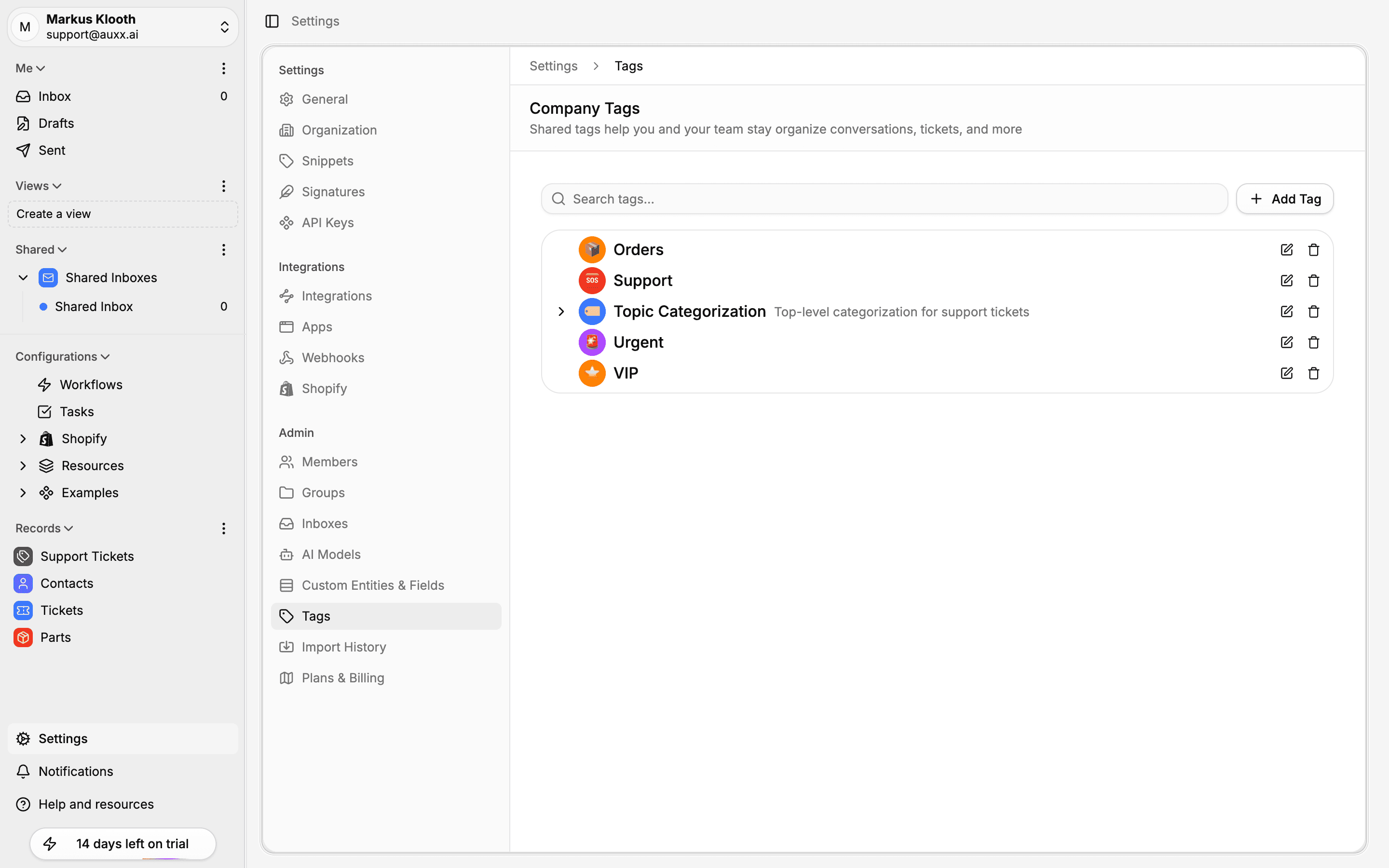
Create a tag
- Go to Settings > Tags.
- Click Add Tag.
- Fill in the tag details:
| Field | Description |
|---|---|
| Title | Tag name (required) |
| Description | Optional description |
| Emoji | Visual icon for the tag |
| Color | Tag color (gray, red, blue, green, and more) |
| Parent tag | Optional — select a parent to create a nested tag |
- Click Create.
Hierarchical tags
Tags can be nested under parent tags to create logical groupings. For example:
Priority
├── Urgent
├── High
├── Medium
└── Low

Topic
├── Shipping
├── Returns
│   ├── Damaged item
│   └── Wrong item
└── Billing
To create a child tag, select a parent tag when creating or editing the tag. The tree view on the settings page shows the full hierarchy with expand/collapse controls.
Edit a tag
- Go to Settings > Tags.
- Click the pencil icon next to the tag.
- Update the title, description, emoji, color, or parent relationship.
- Save your changes.
Delete a tag
Click the trash icon next to a tag to delete it.
Parent tags with children
You cannot delete a tag that has child tags. Move or delete its children first.
Using tags
Tags can be applied across Auxx.ai:
- Conversations — Tag incoming messages to categorize them by topic, priority, or type.
- Tickets — Add tags to support tickets for filtering and reporting.
- Workflows — Use tags as triggers or actions in automation rules (e.g., auto-tag messages matching certain criteria).
- Filtering — Filter your inbox, ticket list, or saved views by tag.
Tags are shared across the entire organization — all team members see and can use the same tag set.
Email provider sync
Tags sync with your connected email providers:
- Gmail — Tags map to Gmail labels
- Outlook — Tags map to Outlook categories
When you apply a tag in Auxx.ai, it's reflected in the email provider, and vice versa.