Account settings
Manage your profile, email address, password, and session information in your Auxx.ai account settings.
Your account settings let you update your profile information, change your email or password, and manage your active sessions.
Profile
Go to Settings > General to view and edit your profile.
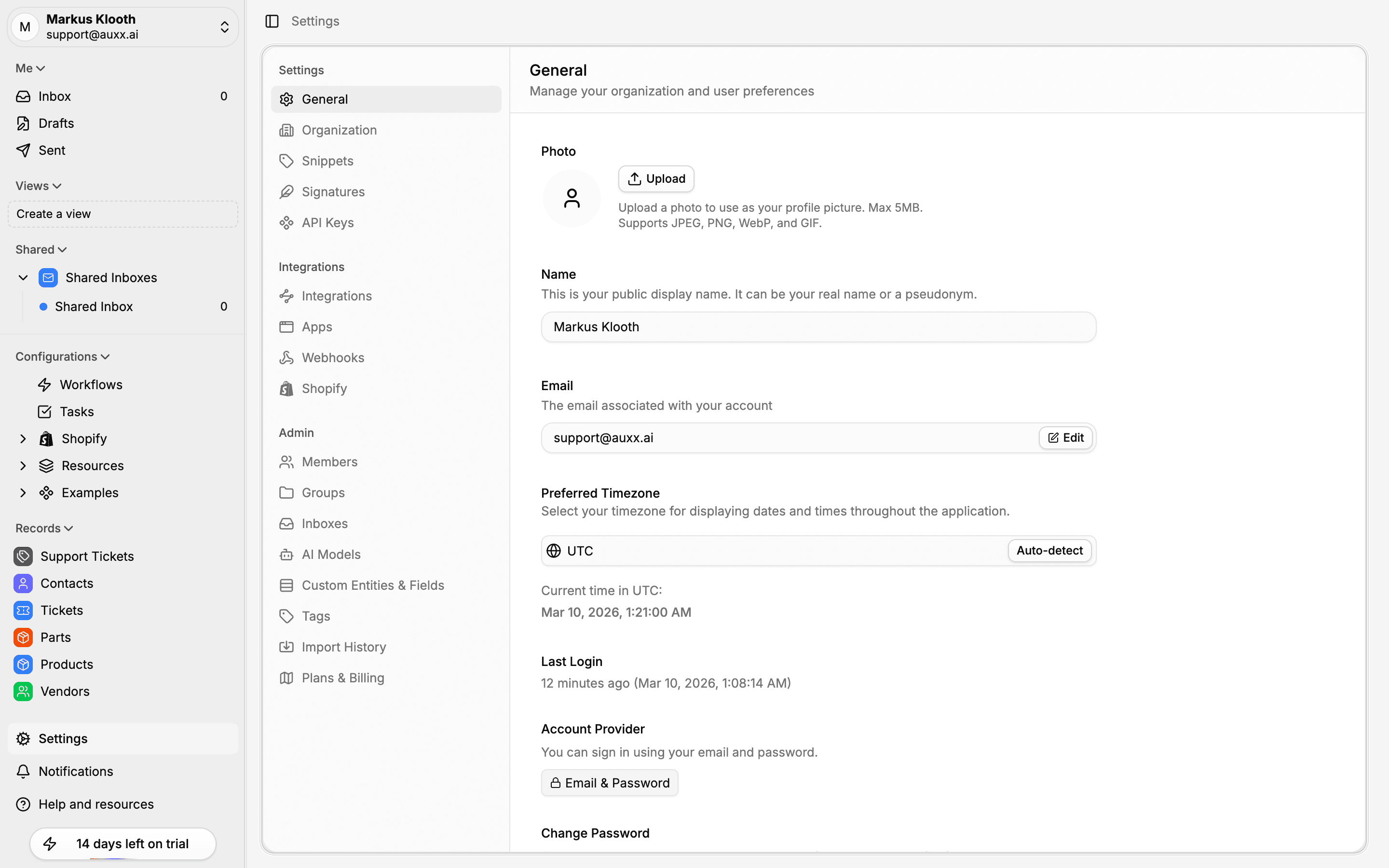
You can update:
- Avatar — Click your profile photo to upload a new image
- Name — Your display name shown throughout the app
- Email — Your login email (changing it requires verification)
Change your email
- Go to Settings > General
- Click Edit next to your email address
- Enter the new email address
- A verification link is sent to the new address
- Click the link to confirm — your email is updated once verified
Your current email remains active until the new one is verified. The verification link expires after 24 hours.
Change your password
- Go to Settings > General
- In the password section, click Change Password
- Enter your current password and a new password
- Click Save
Passwords must be at least 8 characters.
Social login accounts
If you signed up with Google or GitHub and don't have a password set, you can add one from the password section. This lets you also sign in with email and password.
Sessions
The settings page shows your current session information, including device type, operating system, and browser. You can sign out from your current session here.