Account & Security
API keys
Create and manage API keys for programmatic access to the Auxx.ai API from your applications and integrations.
API keys let you authenticate with the Auxx.ai API from your applications, scripts, and integrations without using your login credentials.
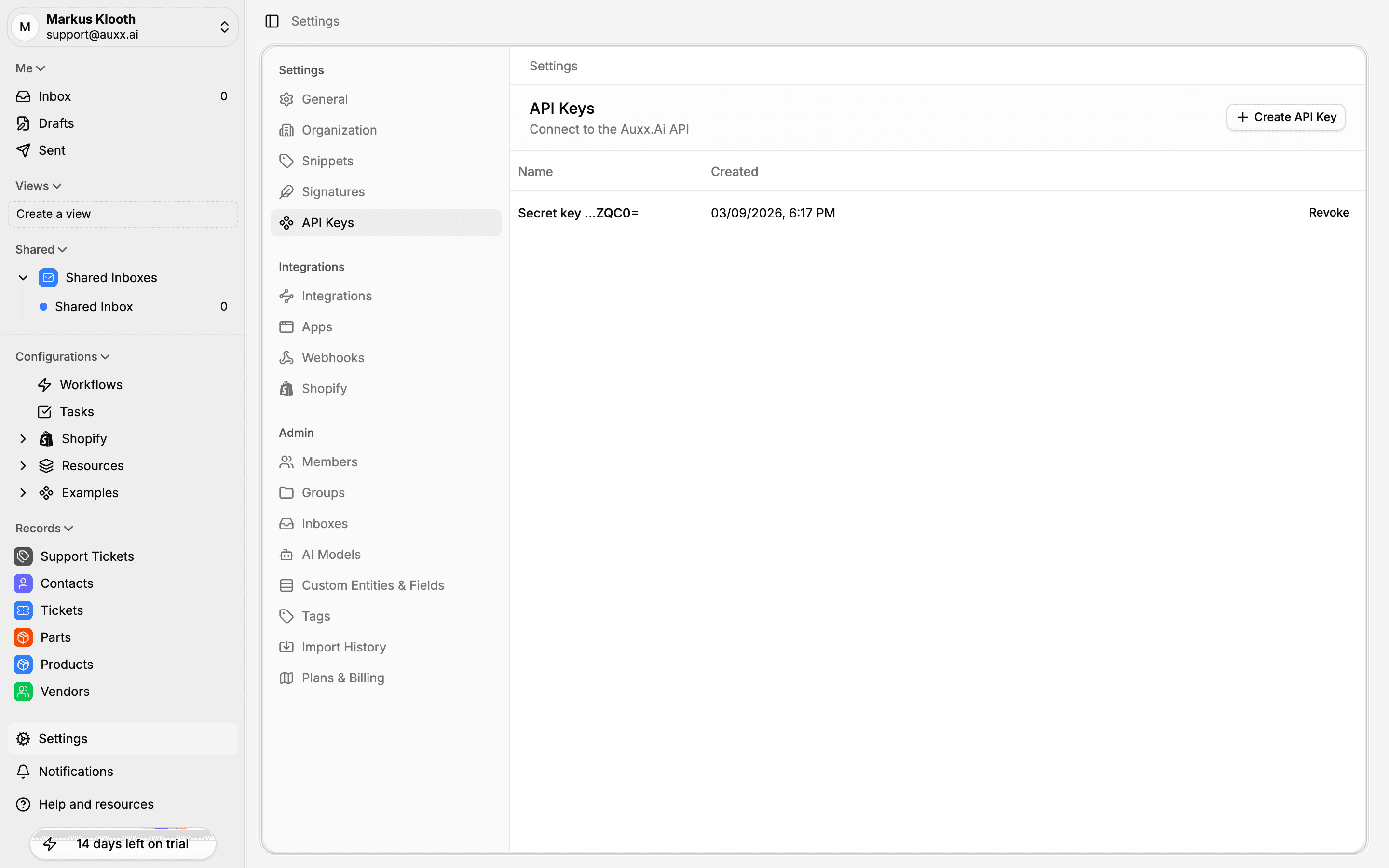
Create an API key
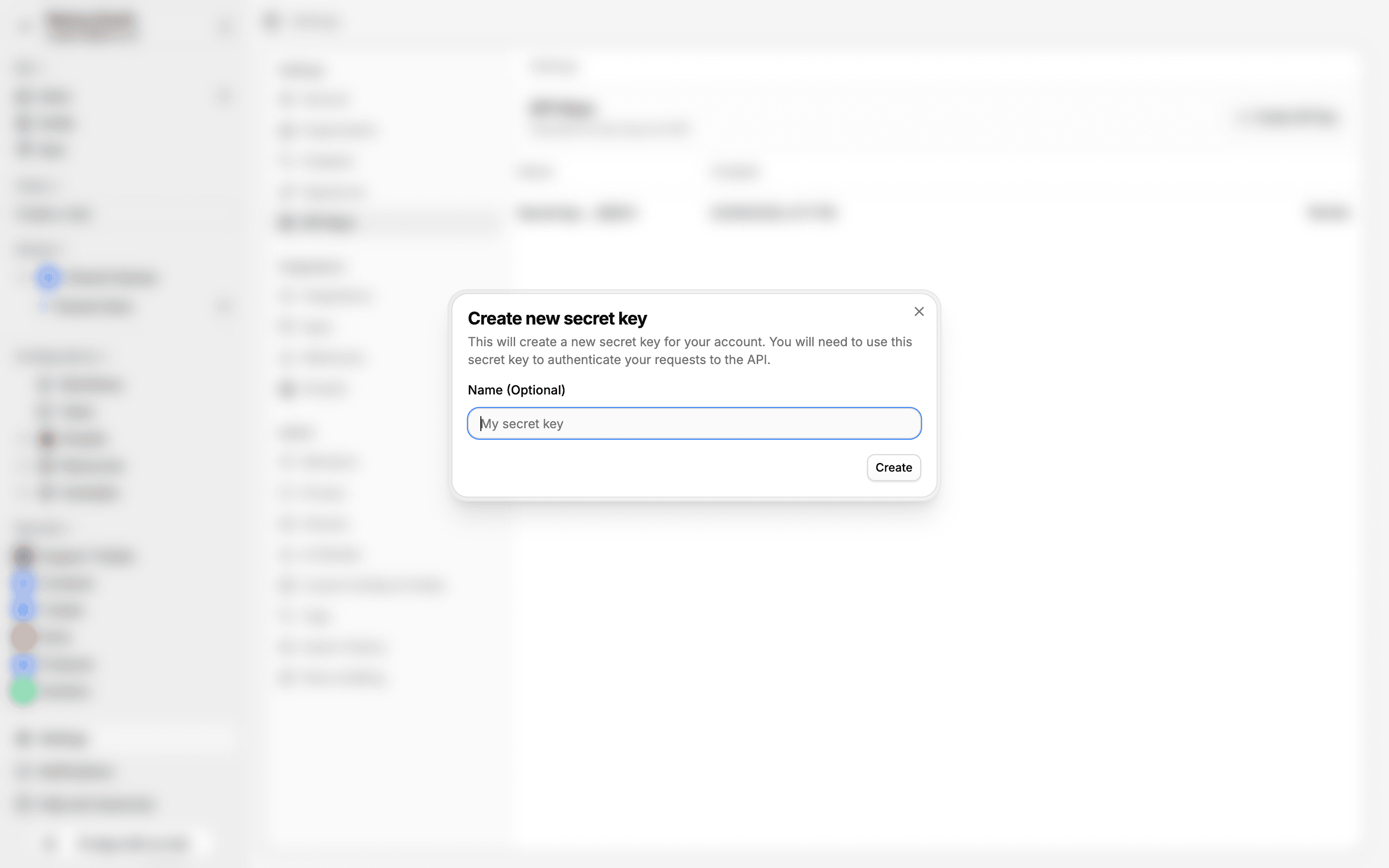
- Go to Settings > API Keys
- Click Create API Key
- Enter an optional name to help you identify the key later
- Click Create
- Copy the API key immediately — it won't be shown again
Copy your key
The full API key is only displayed once at creation time. If you lose it, you'll need to create a new one.
View your keys
The API Keys page lists all your active keys with:
- Name — The label you gave the key
- Created — When the key was created
- Key suffix — The last few characters for identification
Revoke an API key
To revoke a key, click the Revoke button next to it. Revoking is permanent — any applications using that key will immediately lose access.
Using your API key
Include the API key in the Authorization header of your API requests:
curl -H "Authorization: Bearer YOUR_API_KEY" \
  https://api.auxx.ai/v1/tickets
Security best practices
- Never share API keys in client-side code, public repositories, or chat messages
- Use descriptive names so you can identify which application uses each key
- Revoke unused keys — if a key is no longer needed, revoke it immediately
- Rotate keys regularly — create a new key and revoke the old one periodically