Signing in
Sign in to Auxx.ai with email and password, Google, GitHub, or a passkey for passwordless authentication.
Auxx.ai supports multiple ways to sign in. You can use any method linked to your account.
Sign-in methods
| Method | Description |
|---|---|
| Email & password | Sign in with your email and password. Requires email verification on signup. |
| Sign in with your Google account via OAuth. | |
| GitHub | Sign in with your GitHub account via OAuth. |
| Passkey | Passwordless sign-in using biometrics, security keys, or device credentials. |
Email & password
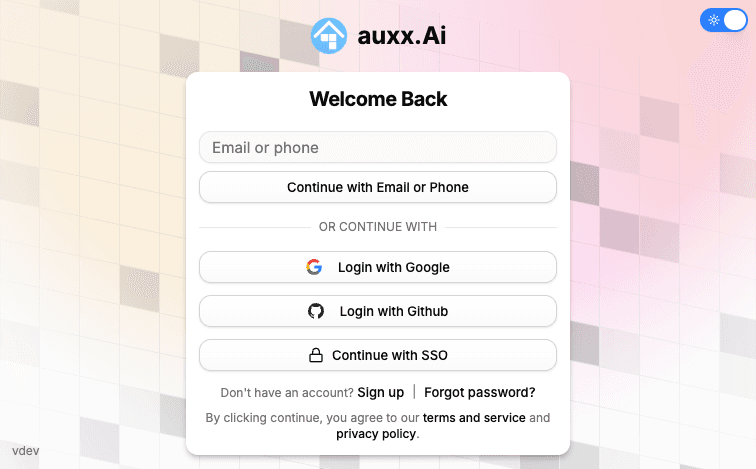
- Go to the login page
- Enter your email address
- Enter your password
- Click Sign In
If you have two-factor authentication enabled, you'll be prompted for your 6-digit code after entering your password.
Forgot your password
- On the login page, click Forgot password?
- Enter your email address
- Check your inbox for a password reset link
- Click the link and set a new password
Click Continue with Google on the login page. You'll be redirected to Google to authorize access, then returned to Auxx.ai. If it's your first time, an account is created automatically using your Google profile.
GitHub
Click Continue with GitHub on the login page. You'll be redirected to GitHub to authorize access, then returned to Auxx.ai. If it's your first time, an account is created automatically.
Passkeys
Passkeys let you sign in without a password using biometrics (Face ID, Touch ID, Windows Hello) or a hardware security key.
Add a passkey
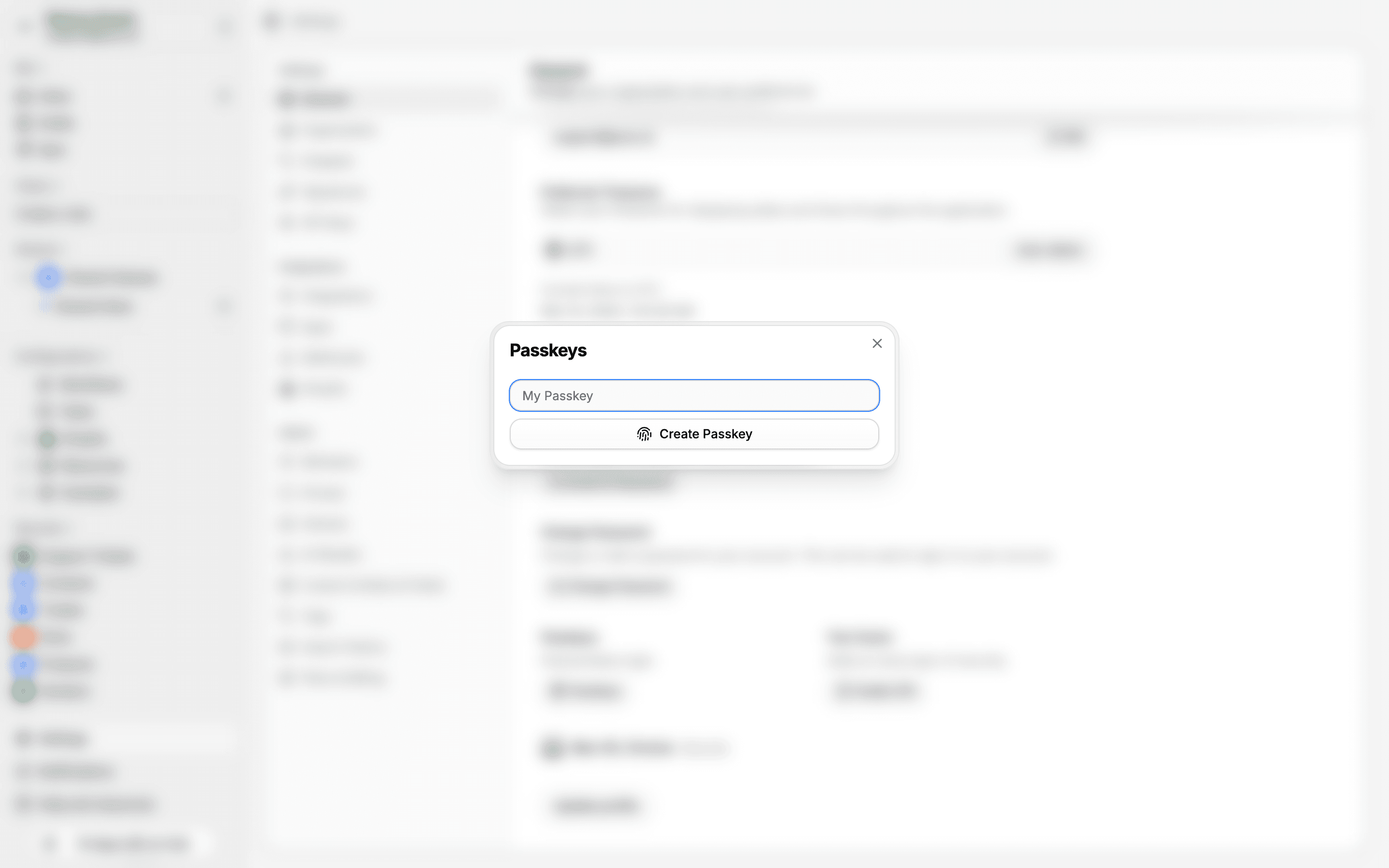
- Go to Settings > General
- In the passkeys section, click Passkeys
- Enter a name for the passkey and click Create Passkey
- Follow your browser or device prompts to register the passkey
Sign in with a passkey
- On the login page, click Sign in with Passkey
- Follow your browser or device prompts to authenticate
You can register multiple passkeys (e.g., one per device) and remove any from Settings > General.
Linking accounts
If you sign up with Google and later want to also use email/password, you can set a password in Settings > General. Your account then supports both methods.