Create an account
Sign up for Auxx.ai using Google, GitHub, email, or phone and set up your organization.
To get started with Auxx.ai, you need to create an account. You can sign up using an existing Google or GitHub account, or with your email address or phone number.
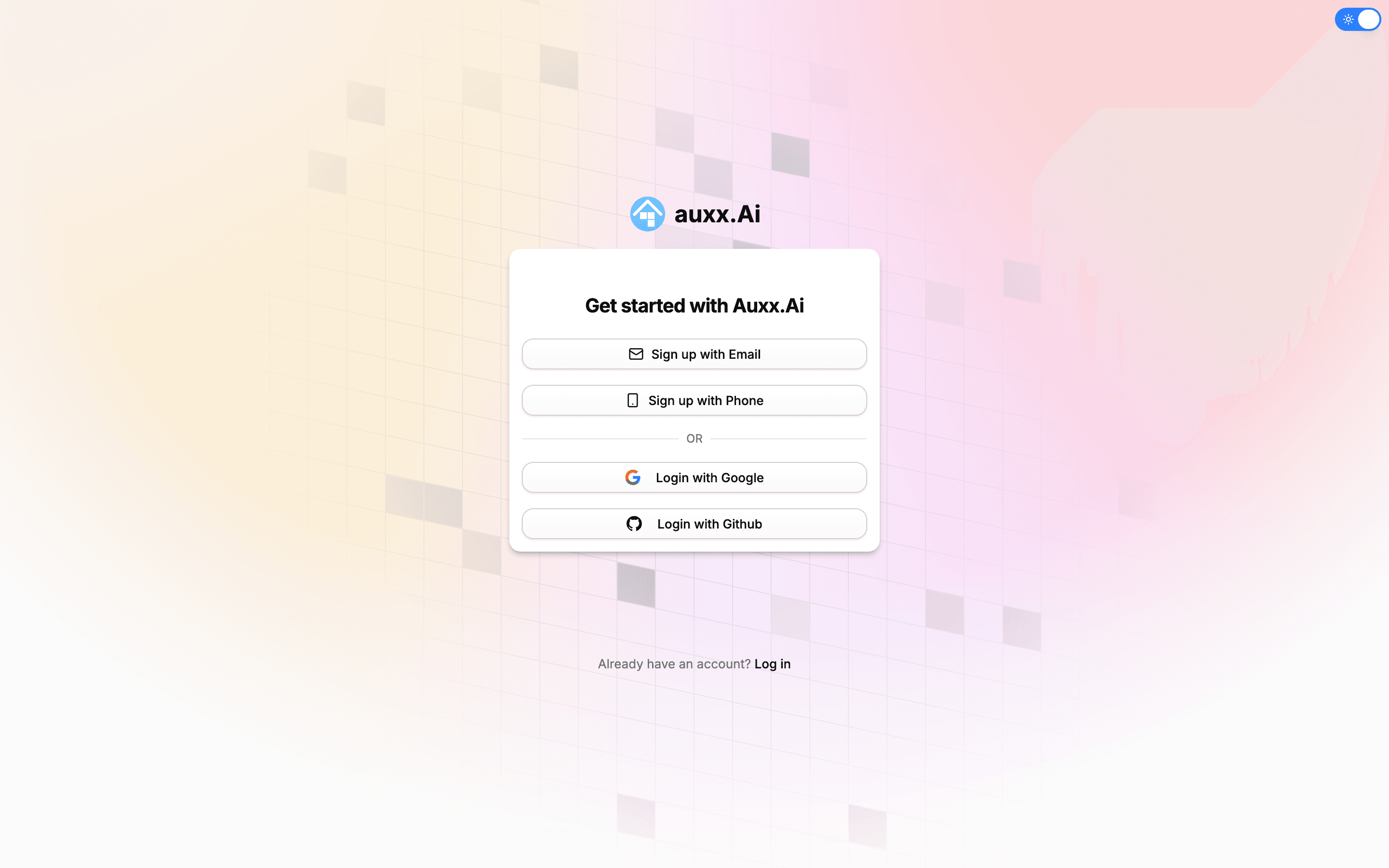
Sign-up methods
Auxx.ai supports four ways to create an account:
| Method | How it works |
|---|---|
| One-click sign-up using your Google account. No password needed. | |
| GitHub | One-click sign-up using your GitHub account. No password needed. |
| Enter your email and create a password. You'll need to verify your email before signing in. | |
| Phone | Enter your phone number and verify with a 6-digit code sent via SMS. |
Sign up with Google or GitHub
- Go to auxx.ai and click Sign up.
- Click Login with Google or Login with Github.
- Authorize Auxx.ai to access your account.
- You'll be redirected to the onboarding flow to set up your profile and organization.
Linking multiple methods
You can link additional sign-in methods later from your account settings. For example, sign up with Google and add a password afterward.
Sign up with email
- Go to auxx.ai and click Sign up.
- Click Sign up with Email.
- Enter your email address and create a password.
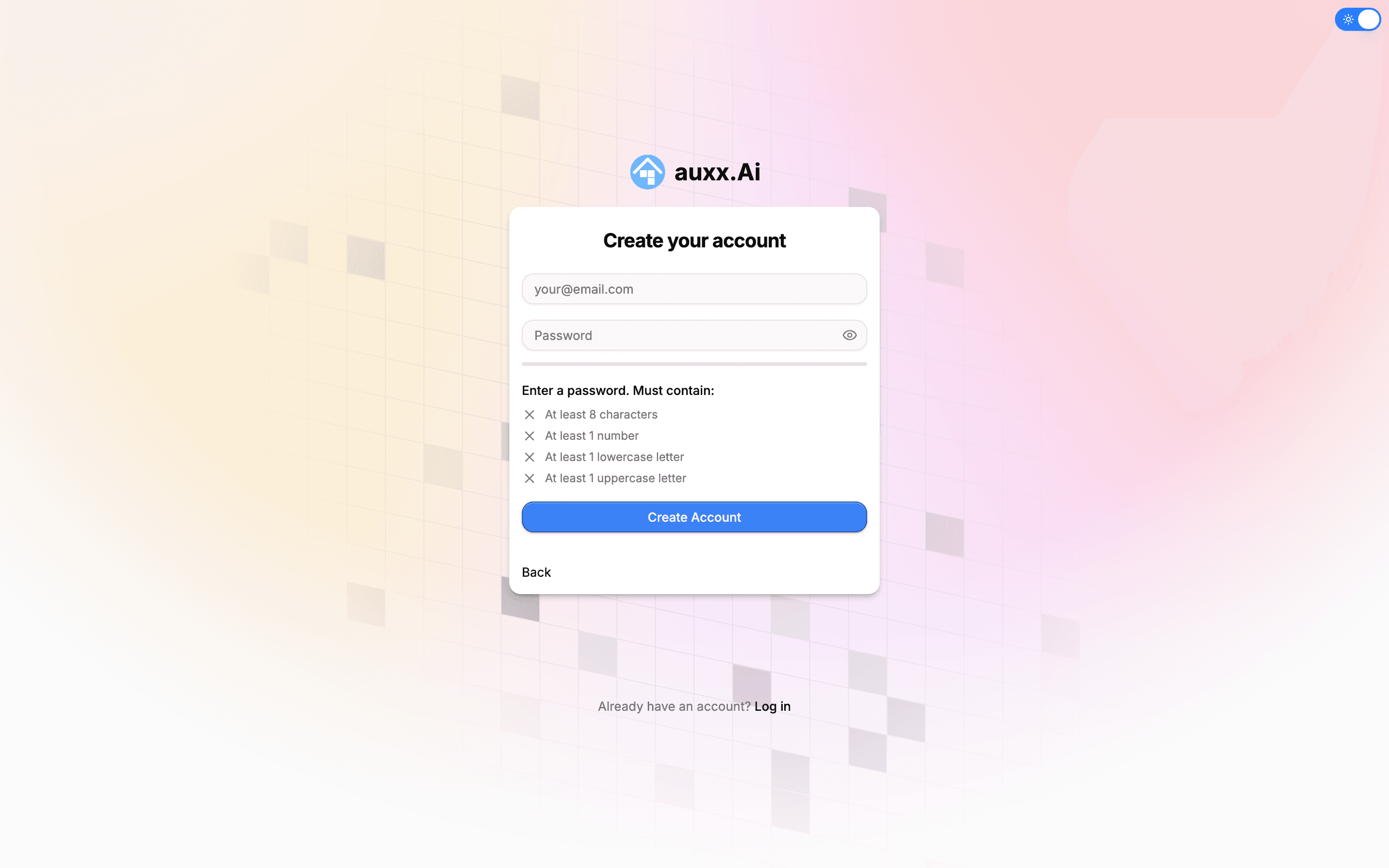
Your password must contain:
- At least 8 characters
- At least 1 number
- At least 1 lowercase letter
- At least 1 uppercase letter
- Click Create Account.
- Check your inbox for a verification email and click the link to confirm your address.
- After verification, sign in and you'll be taken to the onboarding flow.
Check your spam folder
If you don't see the verification email within a few minutes, check your spam or junk folder.
Sign up with phone
- Go to auxx.ai and click Sign up.
- Click Sign up with Phone.
- Select your country and enter your phone number.
- Click Send Code.
- Enter the 6-digit verification code sent to your phone.
- Once verified, you'll be taken to the onboarding flow.
What happens after sign-up
After creating your account, Auxx.ai automatically:
- Creates your organization — A default workspace is set up for you with you as the owner.
- Starts the onboarding flow — A 4-step guided setup walks you through configuring your account.
Onboarding steps
Personal info
Enter your first name, last name, and optionally upload a profile photo.
Organization details
Name your organization and choose a unique handle (e.g., acme-corp). You can optionally add your website URL.
Connect an inbox
Connect your Gmail or Outlook account to start receiving messages. You can skip this step and do it later.
Invite your team
Invite team members by email and assign them a role (Member or Admin). You can also copy an invite link to share. This step is optional.
After completing onboarding, you'll land on your dashboard and can start using Auxx.ai.
Joining via invitation
If someone on your team has already set up an organization, they can invite you by email. When you sign up using the invited email address:
- You'll automatically join their organization instead of creating a new one.
- The personal info onboarding step is skipped.
- You'll be taken directly to the dashboard as a member of the existing organization.